Deploying Laravel Applications to the Cloud: A Technical Tutorial
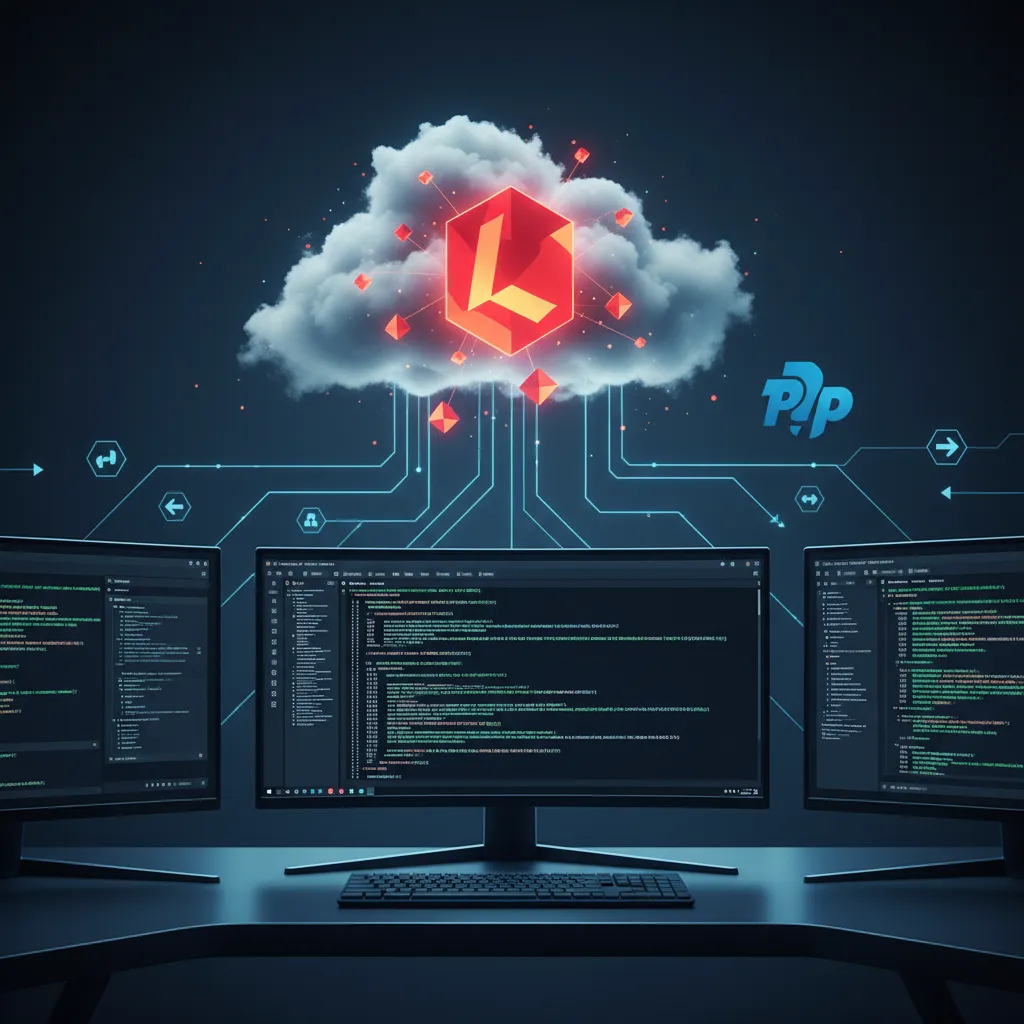
Cloud computing has revolutionized how web applications are hosted, offering unparalleled scalability, reliability, and flexibility. For Laravel developers, deploying applications to the cloud is a common practice, moving beyond traditional shared hosting to more robust, performant, and maintainable environments. This tutorial will guide you through the concepts, options, and best practices for deploying your Laravel applications to the cloud.
Why Choose the Cloud for Laravel Applications? #
Before diving into the how-to, let's understand the compelling reasons for choosing cloud platforms for your Laravel projects:
- Scalability: Cloud platforms allow you to easily scale resources (CPU, RAM, storage) up or down based on demand, ensuring your application can handle traffic spikes without downtime.
- Reliability & High Availability: Cloud providers offer redundant infrastructure, automatic failovers, and geographically distributed data centers, leading to higher uptime and disaster recovery capabilities.
- Cost-Effectiveness: Pay-as-you-go models mean you only pay for the resources you consume, which can be more economical than maintaining on-premise servers or over-provisioning for peak loads.
- Global Reach: Deploying to multiple regions allows you to serve users closer to their location, reducing latency and improving user experience.
- Managed Services: Many cloud providers offer managed databases, queues, and caching services, offloading infrastructure management from developers.
Understanding Cloud Deployment Models #
Cloud deployment for Laravel applications typically falls into a few categories:
1. Infrastructure as a Service (IaaS) #
IaaS provides virtualized computing resources over the internet. You get access to virtual machines (VMs), storage, and networking, but you're responsible for installing and managing the operating system, web server (Nginx/Apache), PHP, database, and your Laravel application.
- Examples: AWS EC2, DigitalOcean Droplets, Google Compute Engine, Azure Virtual Machines.
- Pros: Maximum control, flexibility.
- Cons: Higher management overhead, requires DevOps knowledge.
2. Platform as a Service (PaaS) #
PaaS offers a complete development and deployment environment, abstracting away the underlying infrastructure. You deploy your code, and the platform handles scaling, patching, and most server management tasks.
- Examples: Heroku, AWS Elastic Beanstalk, Google App Engine, Laravel Forge (acts like a PaaS layer over IaaS).
- Pros: Faster deployment, reduced operational overhead, automatic scaling.
- Cons: Less control over the underlying infrastructure, potential vendor lock-in.
3. Serverless (Function as a Service - FaaS) #
Serverless computing allows you to run code without provisioning or managing servers. Your application is broken down into small, single-purpose functions that are triggered by events (e.g., HTTP requests). You pay only when your code runs.
- Examples: AWS Lambda, Google Cloud Functions, Azure Functions, Laravel Vapor.
- Pros: Extreme scalability, cost-effective for event-driven architectures, zero server management.
- Cons: Cold starts, statelessness requires careful application design, debugging can be complex.
4. Containers (Container as a Service - CaaS) #
Containers, like Docker, package your application and all its dependencies into a single, portable unit. Container orchestration platforms like Kubernetes manage the deployment, scaling, and networking of these containers.
- Examples: AWS ECS/EKS, Google Kubernetes Engine (GKE), Azure Kubernetes Service (AKS), Docker Swarm.
- Pros: Portability, consistency across environments, efficient resource utilization, microservices friendly.
- Cons: Learning curve for Kubernetes, managing container images.
Popular Cloud Providers for Laravel #
- Amazon Web Services (AWS): The most comprehensive cloud platform, offering services for every use case. Ideal for large-scale applications requiring high flexibility.
- DigitalOcean: Known for its simplicity and developer-friendly interface. Excellent for smaller to medium-sized projects, offering Droplets (VMs), Managed Databases, and App Platform (PaaS).
- Google Cloud Platform (GCP): Strong in data analytics, AI/ML, and Kubernetes. Offers robust infrastructure and services.
- Microsoft Azure: A strong contender, especially for enterprises already invested in Microsoft technologies. Provides a wide range of services comparable to AWS and GCP.
- Vultr/Linode: Similar to DigitalOcean, offering affordable and high-performance VMs and managed services.
Laravel-Specific Cloud Deployment Tools #
Laravel provides first-party tools that significantly simplify cloud deployment:
Laravel Forge #
Laravel Forge is a server provisioning and deployment service that works with various IaaS providers (AWS, DigitalOcean, Linode, Vultr, Hetzner). It automates the setup of Nginx, PHP, MySQL/PostgreSQL, Redis, and queues on your chosen server.
Key Features:
- Server Provisioning: One-click setup of web servers.
- Site Deployment: Connects to Git repositories (GitHub, GitLab, Bitbucket) for automatic deployments.
- SSL Certificates: Easy Nginx configuration and free SSL via Let's Encrypt.
- Queue Workers, Schedulers: Simple management of background tasks.
- Environment Management: Securely store and manage environment variables.
How Forge Works (Simplified):
- Connect Forge to your cloud provider account (e.g., DigitalOcean).
- Create a new server in Forge. Forge provisions a VM, installs necessary software.
- Create a new site on that server. Link your Git repository.
- Forge pulls your code, runs Composer, migrates databases, and configures Nginx.
This workflow makes IaaS deployments feel almost like PaaS.
Laravel Vapor #
Laravel Vapor is a serverless deployment platform for Laravel, built on AWS Lambda, SQS, and S3. It allows you to run your Laravel application completely serverless, scaling instantly to millions of requests with virtually zero server management.
Key Features:
- Serverless Laravel: Your application runs as AWS Lambda functions.
- Automatic Scaling: Handles traffic spikes seamlessly and automatically.
- Cost-Effective: Pay-per-request model, potentially significantly cheaper for fluctuating loads.
- Managed Databases & Caches: Integrates with AWS RDS and ElastiCache.
- Asset Management: Serves assets directly from S3 and CloudFront.
- Queues & Notifications: Uses SQS for queues and SES for email.
How Vapor Works (Simplified):
- Install Vapor CLI:
composer global require laravel/vapor-cli - Configure
vapor.ymlin your project root with environment settings. - Run
vapor deploy production. - Vapor builds your application, uploads it to S3, configures Lambda functions, API Gateway, and other AWS services.
Vapor represents a cutting-edge approach to deploying Laravel, leveraging the full power of AWS serverless architecture.
General Laravel Cloud Deployment Workflow (Conceptual) #
Regardless of the specific platform, a general workflow often includes:
-
Version Control: Ensure your Laravel project is in a Git repository (GitHub, GitLab, Bitbucket).
-
Environment Variables: Configure your
.envfile for production-specific settings (database credentials, API keys, cache/queue drivers).APP_ENV=production APP_DEBUG=false APP_URL=https://your-domain.com DB_CONNECTION=mysql DB_HOST=your_db_host DB_PORT=3306 DB_DATABASE=your_db_name DB_USERNAME=your_db_username DB_PASSWORD=your_db_password CACHE_DRIVER=redis REDIS_HOST=your_redis_host REDIS_PASSWORD=your_redis_password REDIS_PORT=6379 QUEUE_CONNECTION=redis -
Database Setup: Create a production database instance (e.g., AWS RDS, DigitalOcean Managed Database) and configure your application to connect to it.
-
Caching & Queues: Implement robust caching (Redis, Memcached) and queue systems (Redis, SQS) to improve performance and handle background tasks.
-
Asset Management: Consider storing static assets (images, CSS, JS) on a CDN like AWS S3/CloudFront for faster delivery.
-
CI/CD (Optional but Recommended): Set up Continuous Integration/Continuous Deployment pipelines (e.g., GitHub Actions, GitLab CI, CircleCI) to automate testing and deployment upon code pushes.
-
Post-Deployment Commands: Run necessary Laravel Artisan commands after deployment:
php artisan migrate --force php artisan config:clear php artisan cache:clear php artisan route:clear php artisan view:clear # Optionally, to optimize: php artisan config:cache php artisan route:cache php artisan view:cache -
Monitoring & Logging: Set up tools to monitor application health, performance, and log errors (e.g., AWS CloudWatch, Sentry, Papertrail).
Practical Considerations & Best Practices #
- Security: Always use strong passwords, enable two-factor authentication, and restrict access to your servers/cloud accounts. Use environment variables or secret managers for sensitive data.
- Cost Management: Monitor your cloud spending. Utilize free tiers where available, but plan for production costs. Scale down resources during off-peak hours if possible.
- Backups: Implement regular database and application file backups.
- Environment Parity: Strive for production-like environments in development and staging to avoid